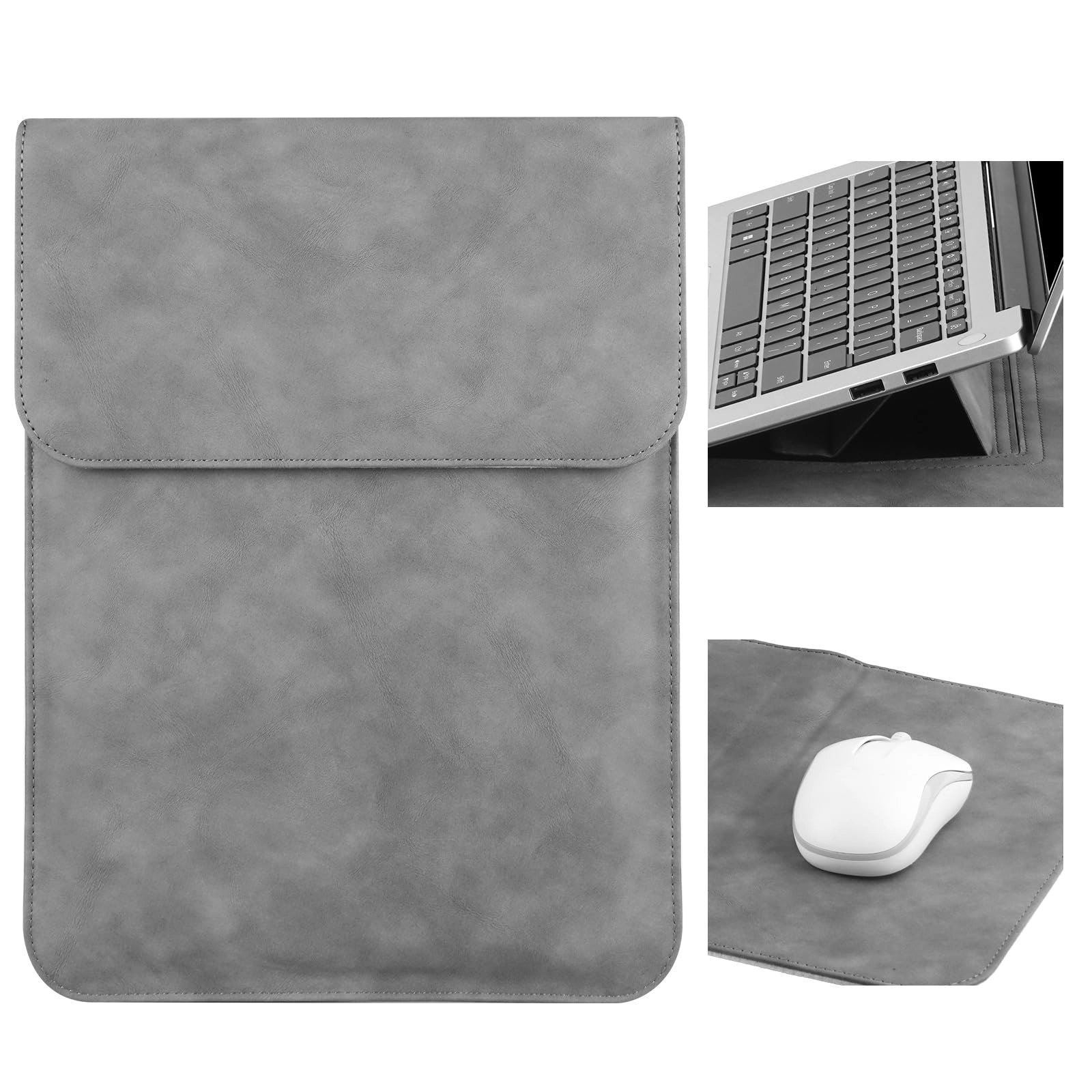
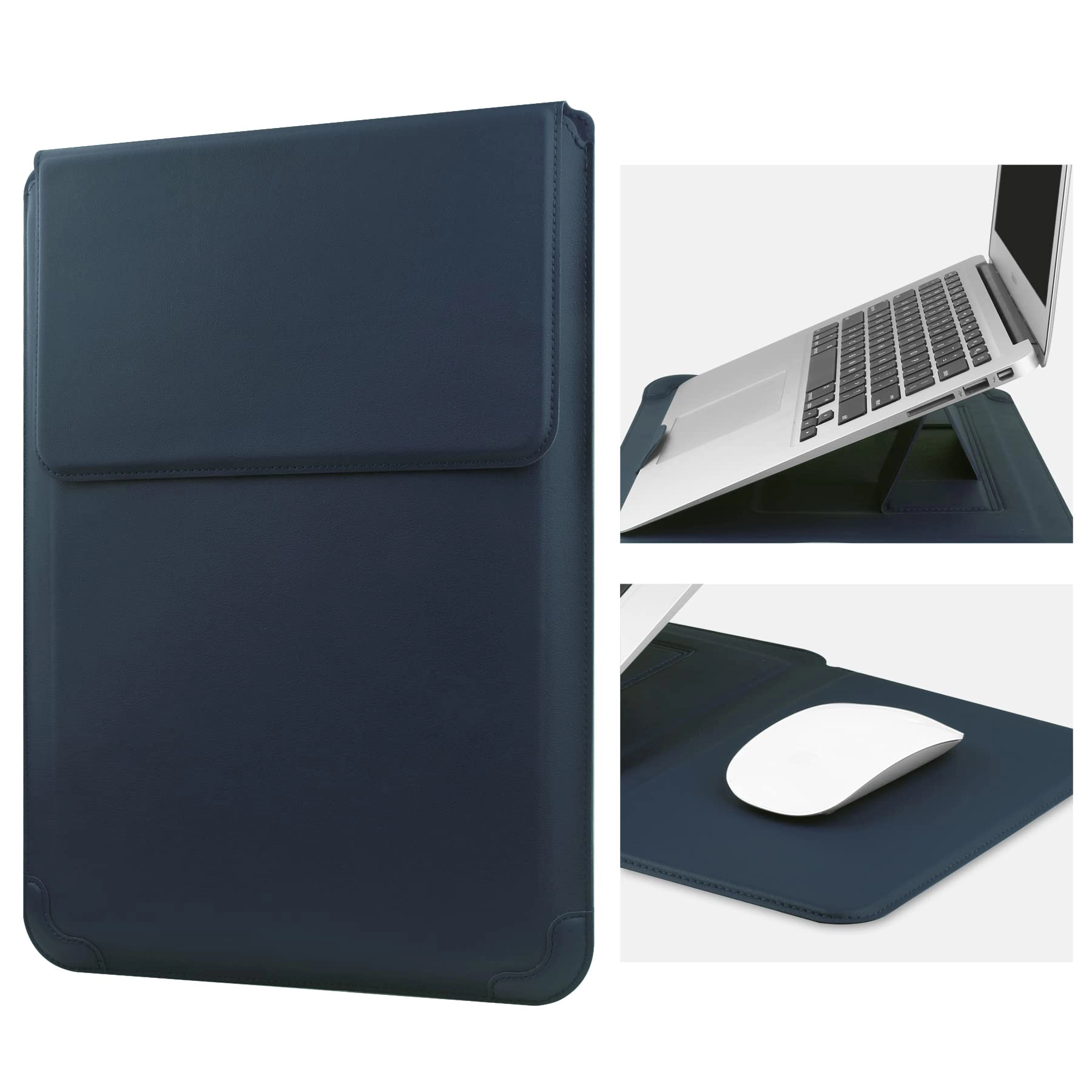
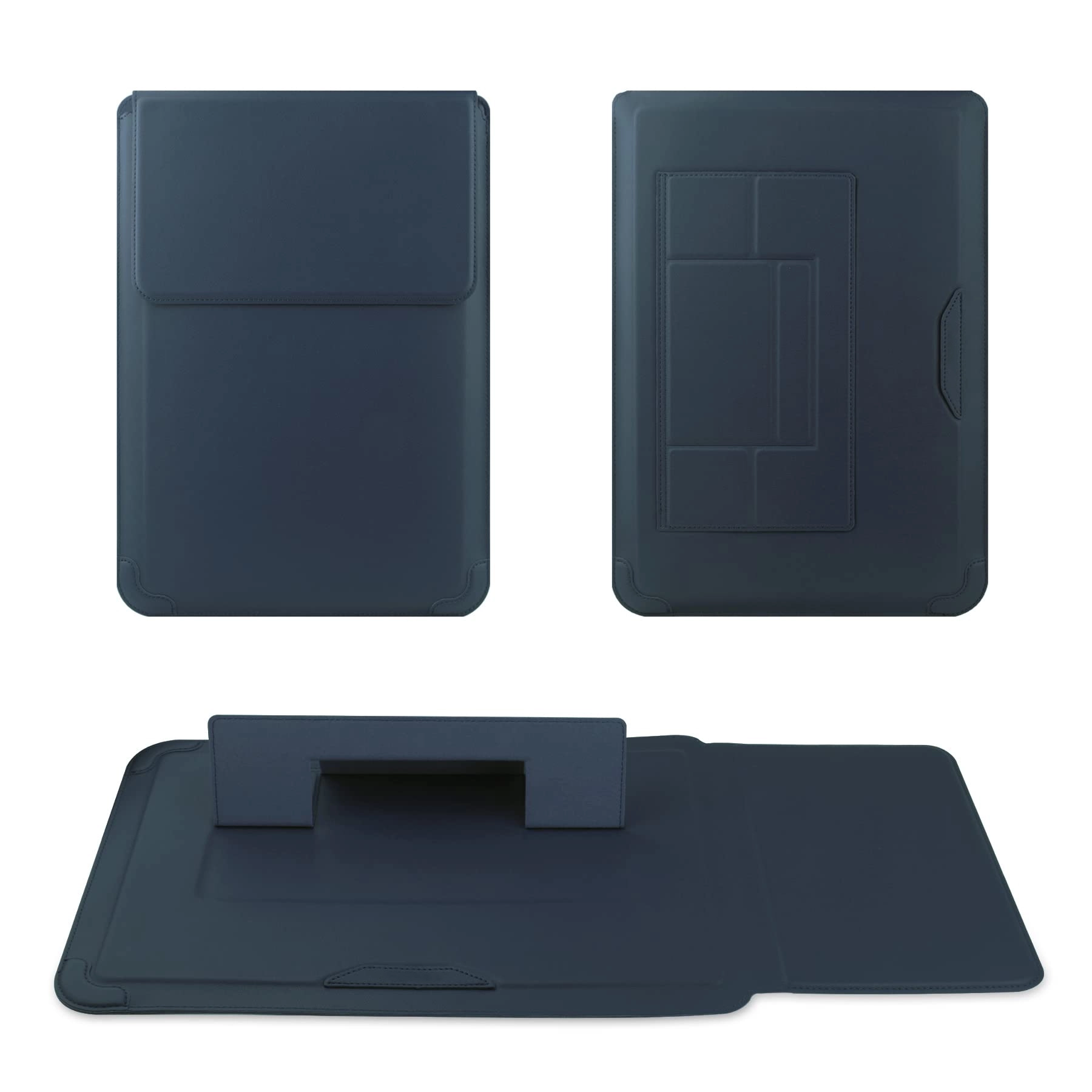
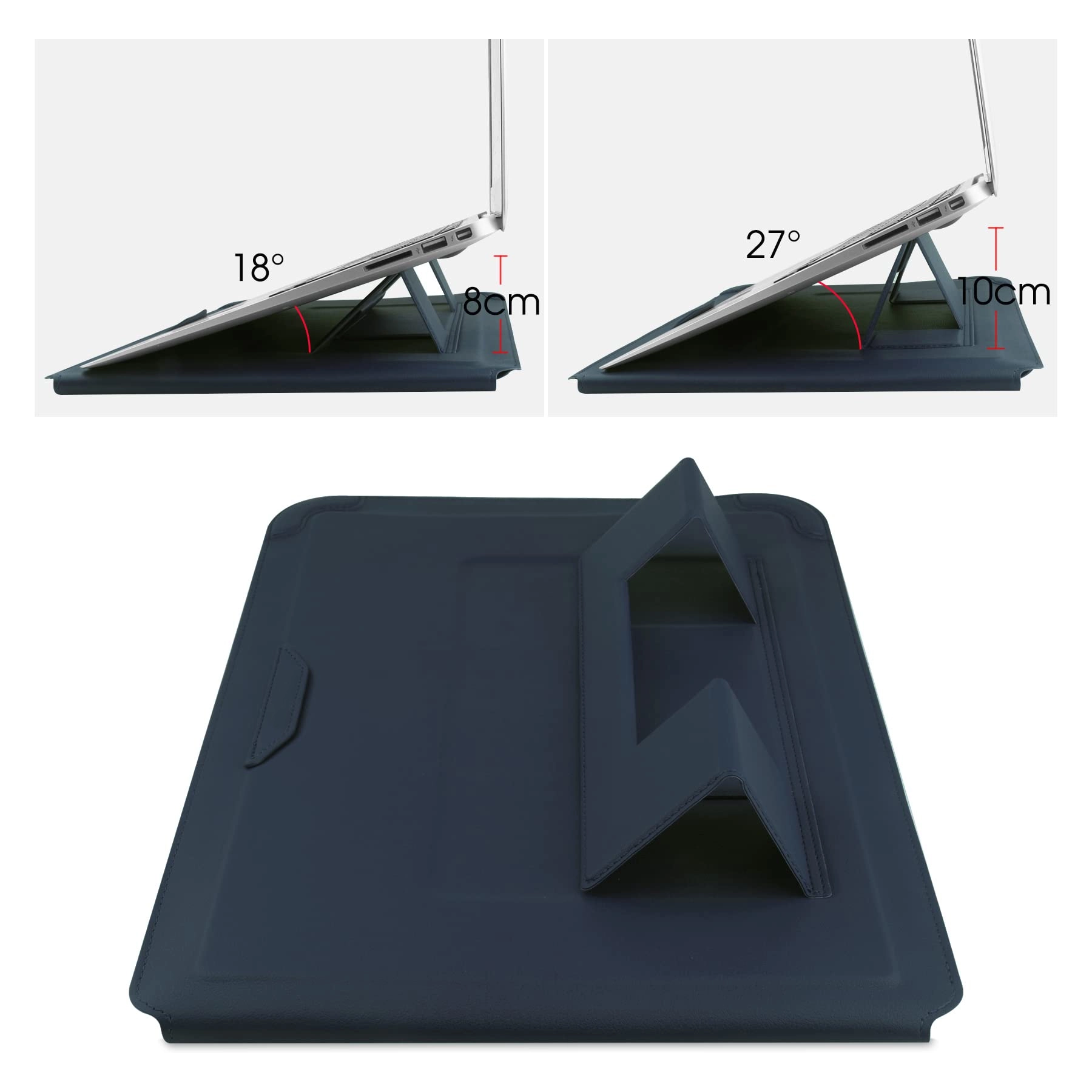
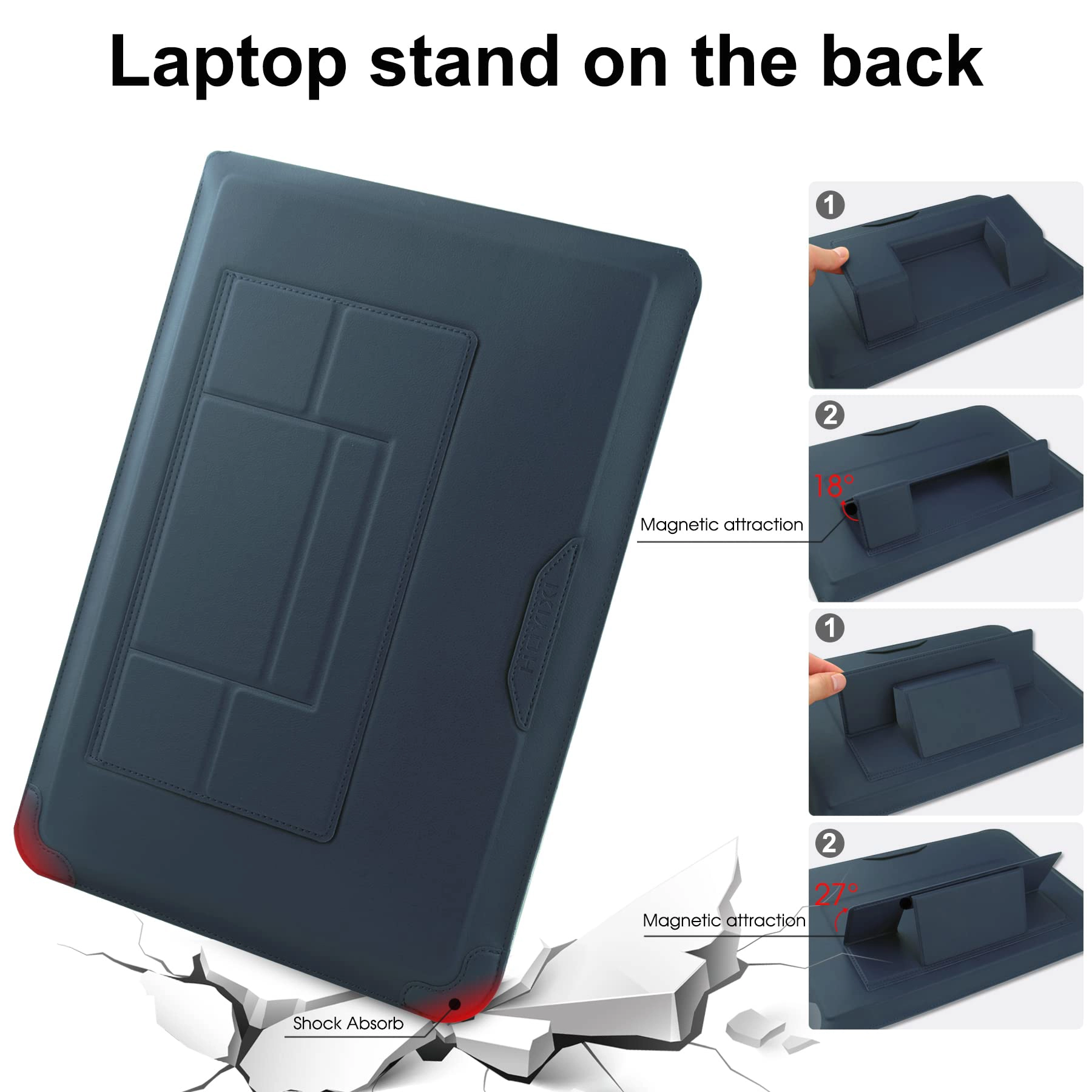
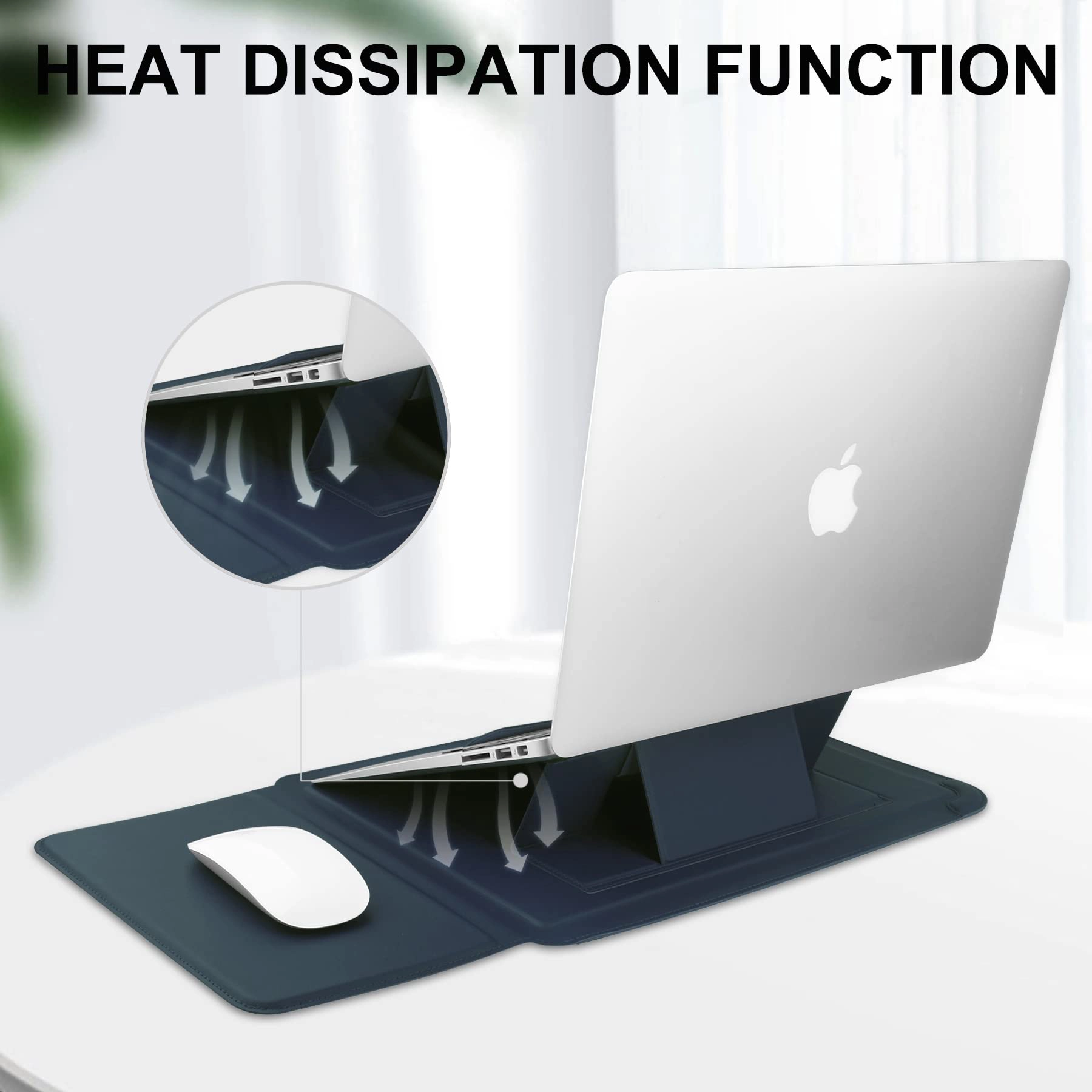
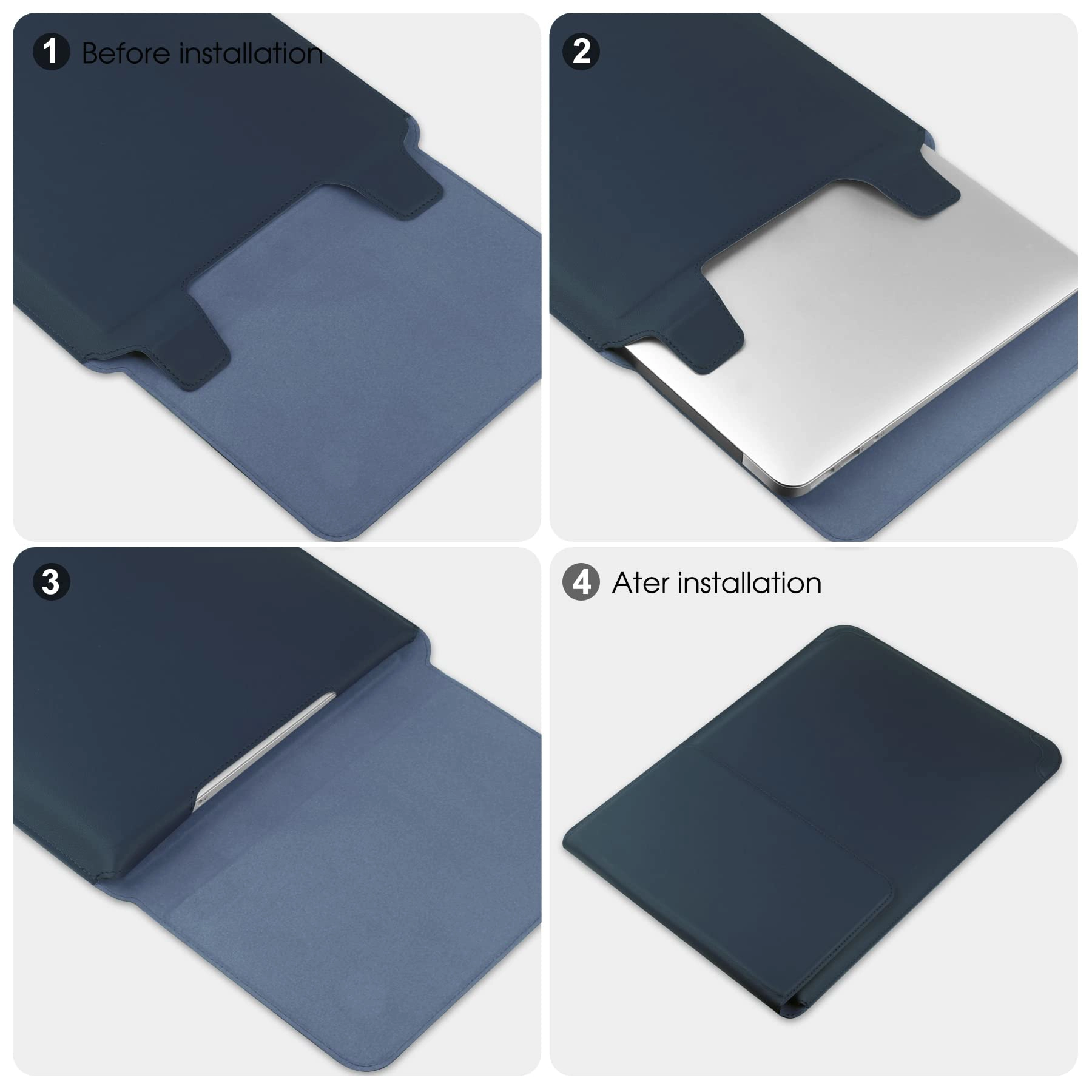
This 14-inch leather laptop sleeve with stand is designed for selected 13.5–14-inch laptops used for business travel, commuting, and mobile work. It combines a protective sleeve, a two-angle stand, and an integrated mouse surface. The screen-size label is only a starting point; buyers should confirm the laptop’s actual width, depth, and thickness before sampling.
Who This 14-Inch Stand Sleeve Is For
This design fits programs that need more function than a basic slip-in sleeve without moving into a bulky laptop bag. It is especially relevant for travel retail, corporate gifting, office collections, and private-label accessory ranges.
- Business travel: the stand supports temporary viewing or typing positions.
- Corporate and retail programs: the product offers a clear three-in-one story.
- Mixed 13.5–14-inch laptop ranges: the strap system can support selected device sizes after measurement.
- Private-label development: material, color, logo, packaging, and support details can be reviewed for the target market.
It is not intended as a drop-proof case or a replacement for a rugged laptop bag. It is also not suitable when the intended laptop falls outside the confirmed size and thickness range.
What the Three-in-One Construction Provides
The sleeve uses water-resistant PU leather, a soft lining, reinforced corners, stitched edges, and a hidden magnetic closure. Its purpose is everyday protection during carry, with extra functionality when the sleeve is opened for work.
- Protective sleeve: separates the laptop from scratches, dust, and daily contact inside another bag.
- Adjustable stand: provides two support angles for viewing or typing.
- Integrated mouse surface: the foldable front panel provides a temporary work surface for a mouse.
The stand and mouse functions are useful for short or flexible work sessions. Buyers with specialist ergonomic or gaming requirements should evaluate the support angle and surface on a physical sample.
How to Confirm a 14-Inch Laptop Fit
Start with the closed laptop’s actual width, depth, and thickness. Then compare those measurements with the usable cavity after lining, reinforced corners, straps, and closure are assembled. Do not rely on the screen size alone.
If a hard shell or another protective case will stay on the device, measure the complete setup. Check that the opening, strap position, stand fold, and front-panel clearance still work with that configuration. Use the laptop sleeve size and fit guide for the measurement process.
A good fit keeps the laptop stable without making insertion difficult. The straps should support the device without excessive pressure, and the stand should remain stable at both intended angles.
Custom OEM/ODM Options for Brand Programs
For a private-label or OEM project, the product can be reviewed as a complete construction rather than a single material choice. The table below separates common customization decisions from the checks needed before production.
| Customization area | Options to review | Confirm before production |
|---|---|---|
| Material and lining | PU leather, color, surface finish, and soft lining direction | Hand feel, cleaning expectation, and finished thickness |
| Logo and branding | Debossing, embossing, foil stamping, silk printing, or metal logo | Artwork size, placement, color, and material behavior |
| Size program | Target 13.5–14-inch devices and required size range | Actual chassis dimensions, internal cavity, and opening clearance |
| Stand and straps | Strap tension, hook position, and two-angle support | Stability, insertion pressure, and fold durability on the sample |
| Packaging | Pouch, paper box, gift box, thank-you card, or custom packaging | Retail channel, presentation, labels, and carton protection |
Stand Sleeve vs Standard Leather Sleeve
A standard leather sleeve prioritizes compact storage and surface protection. This stand sleeve adds a working structure and mouse surface, so it is more appropriate for buyers whose customers work in different locations and value multifunction use.
The trade-off is a more complex sample. Support angles, hook placement, strap tension, fold lines, closure pressure, and the mouse surface all need to work together. Review the custom leather laptop sleeve development guide for the wider structure, material, and sampling sequence.
What to Check in the Sample
- Laptop insertion and removal without excessive force
- Stable support at both intended angles
- Strap tension and hook placement
- Magnetic closure alignment and opening clearance
- Fold-line behavior and mouse-surface usability
- Corner reinforcement, stitching, edge finish, and lining contact
- Logo placement and packaging fit
Size Range Validation
For projects with multiple laptop models, confirm each device or define a controlled size range. A sample approved around one laptop should not be treated as universal for every 14-inch model.
Need a Larger Workstation Fit?
For larger laptops, compare the 17.3-inch laptop sleeve with an adjustable stand and magnetic closure. Confirm the actual chassis dimensions and internal cavity before selecting either size.
For the wider range, review our custom leather laptop sleeve collection before selecting a structure.