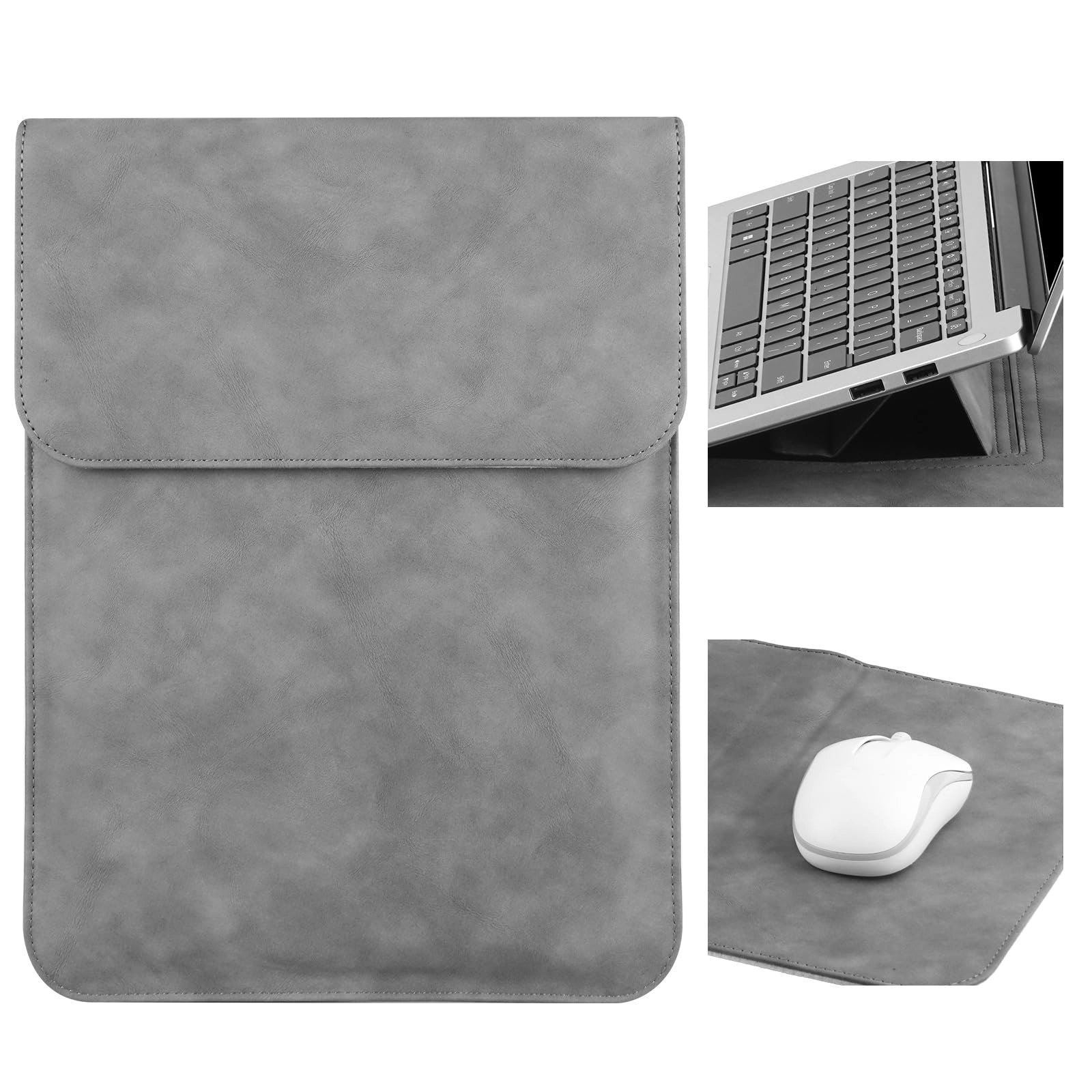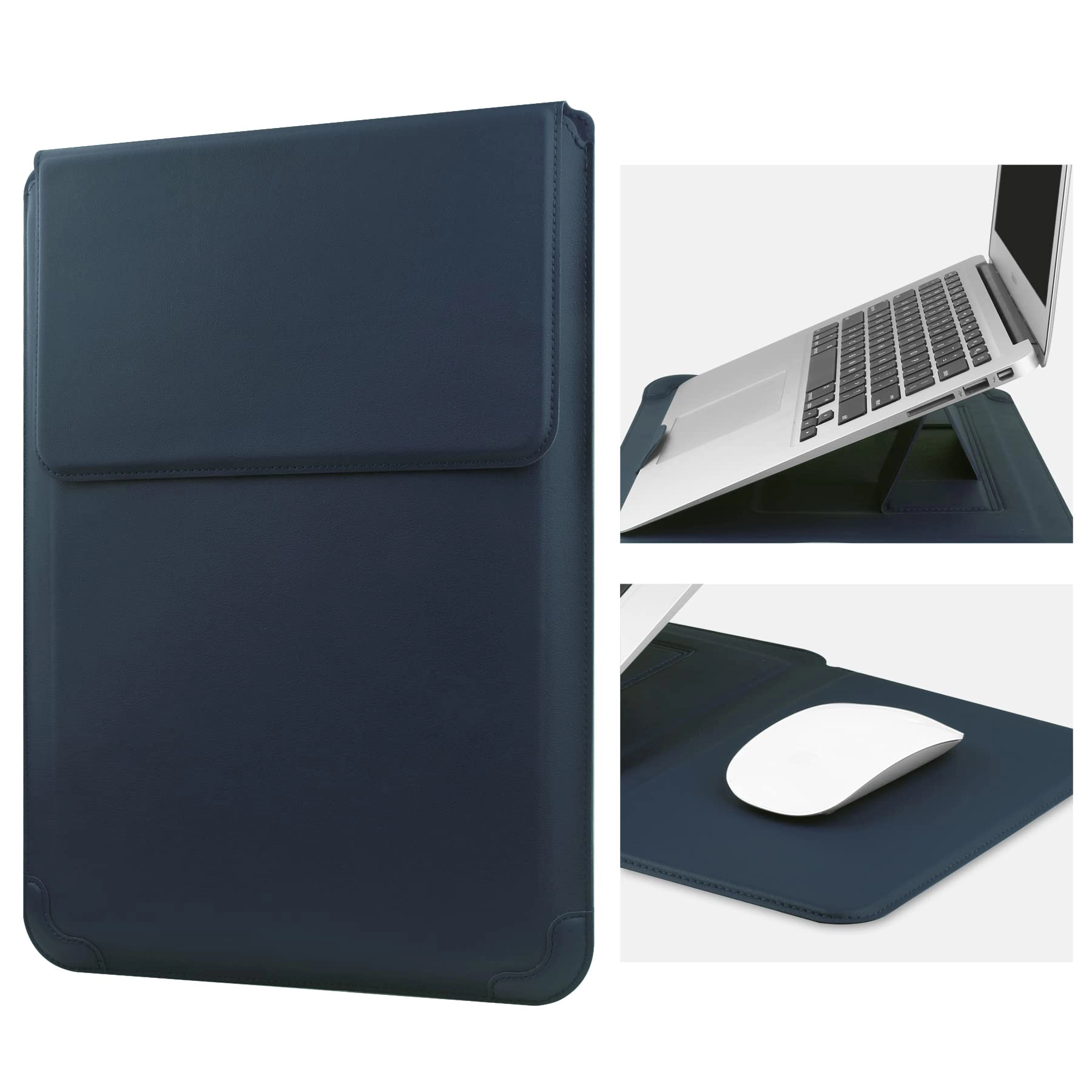
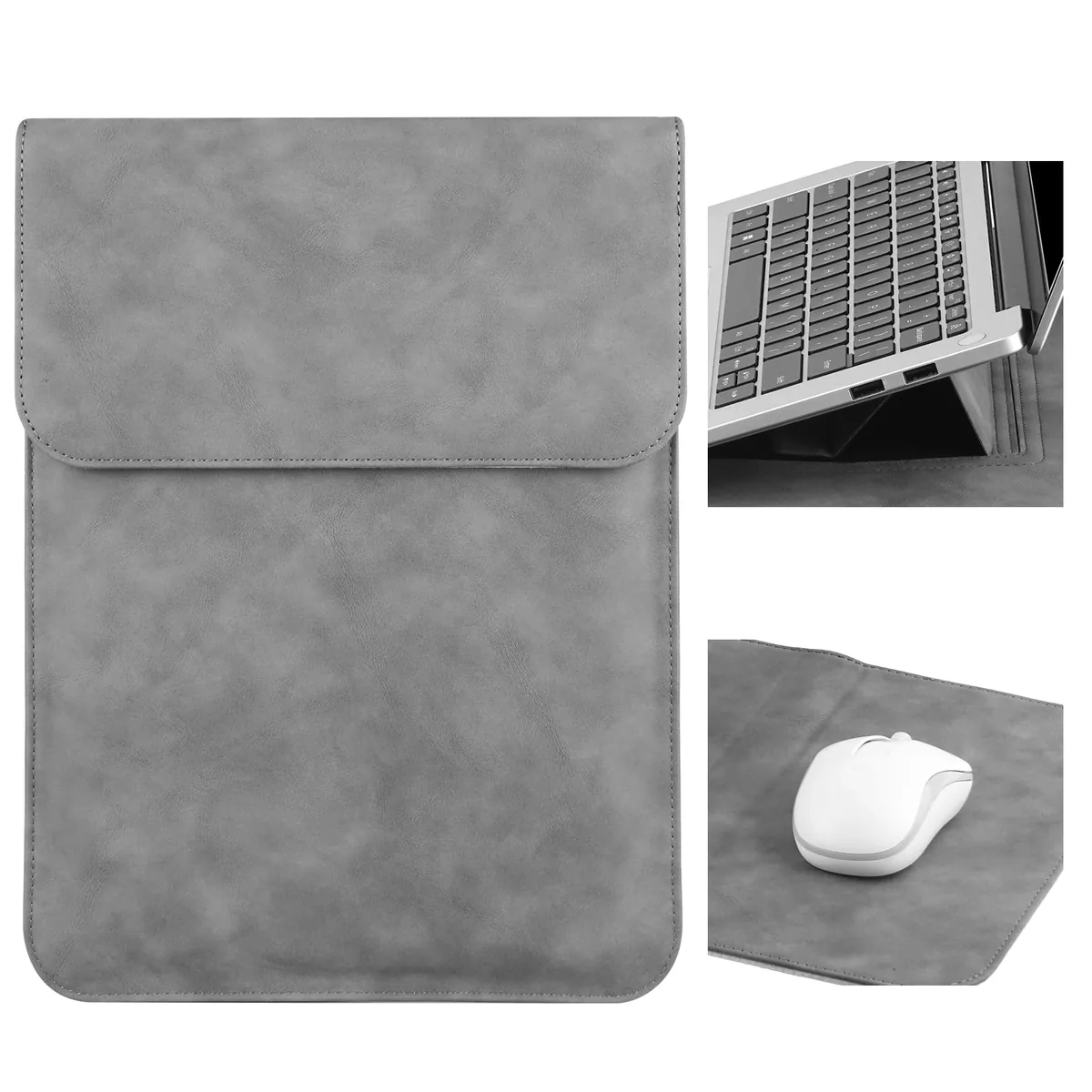
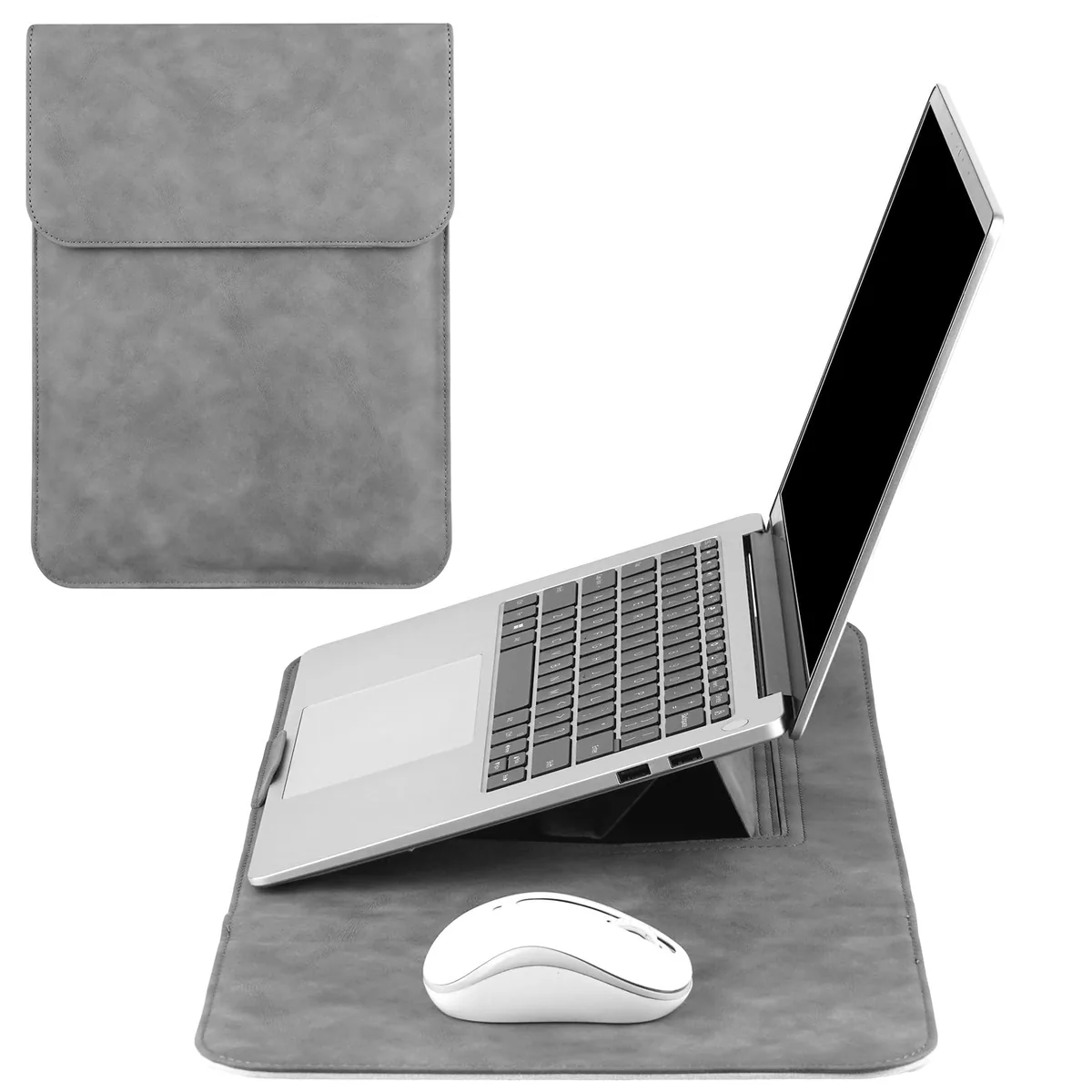
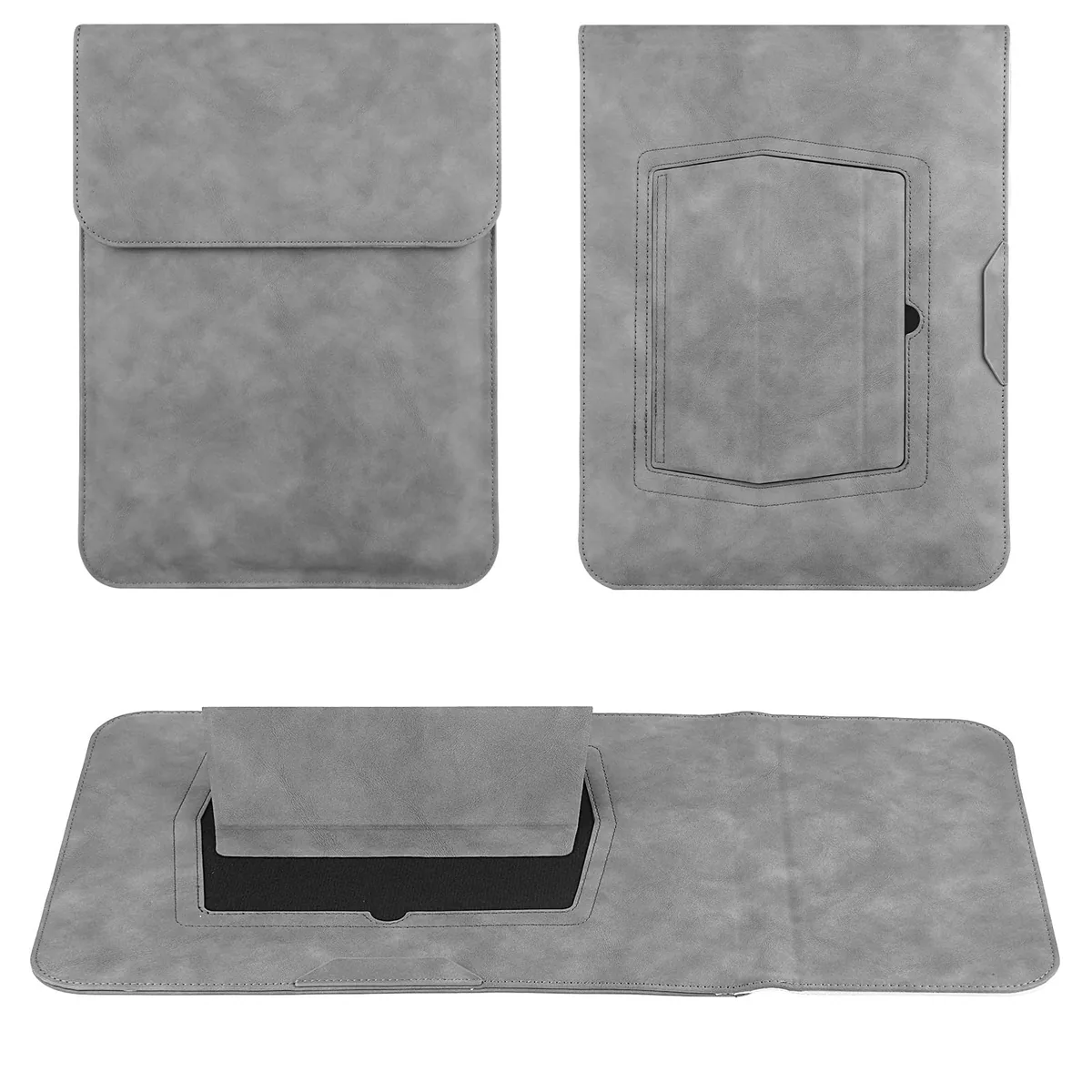
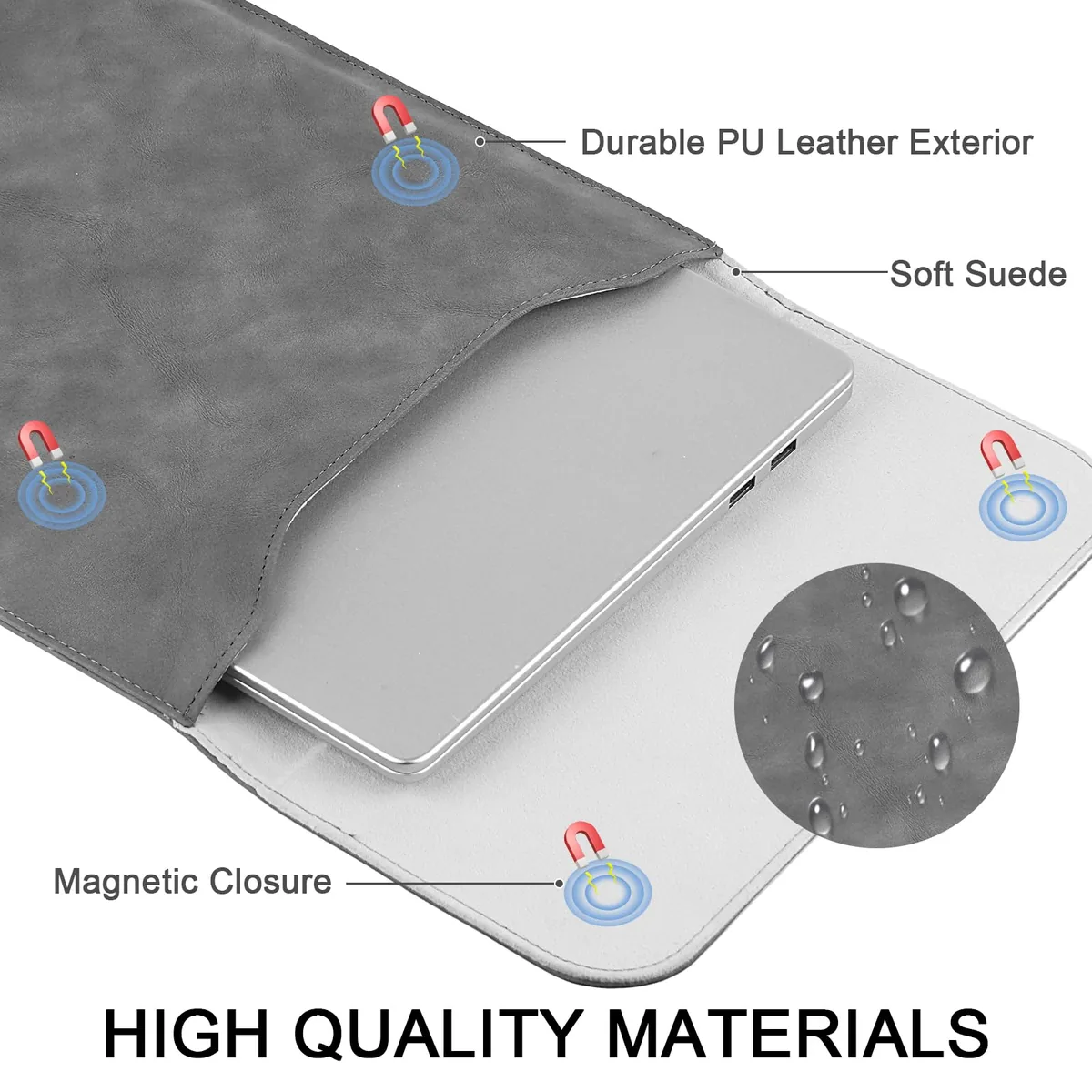
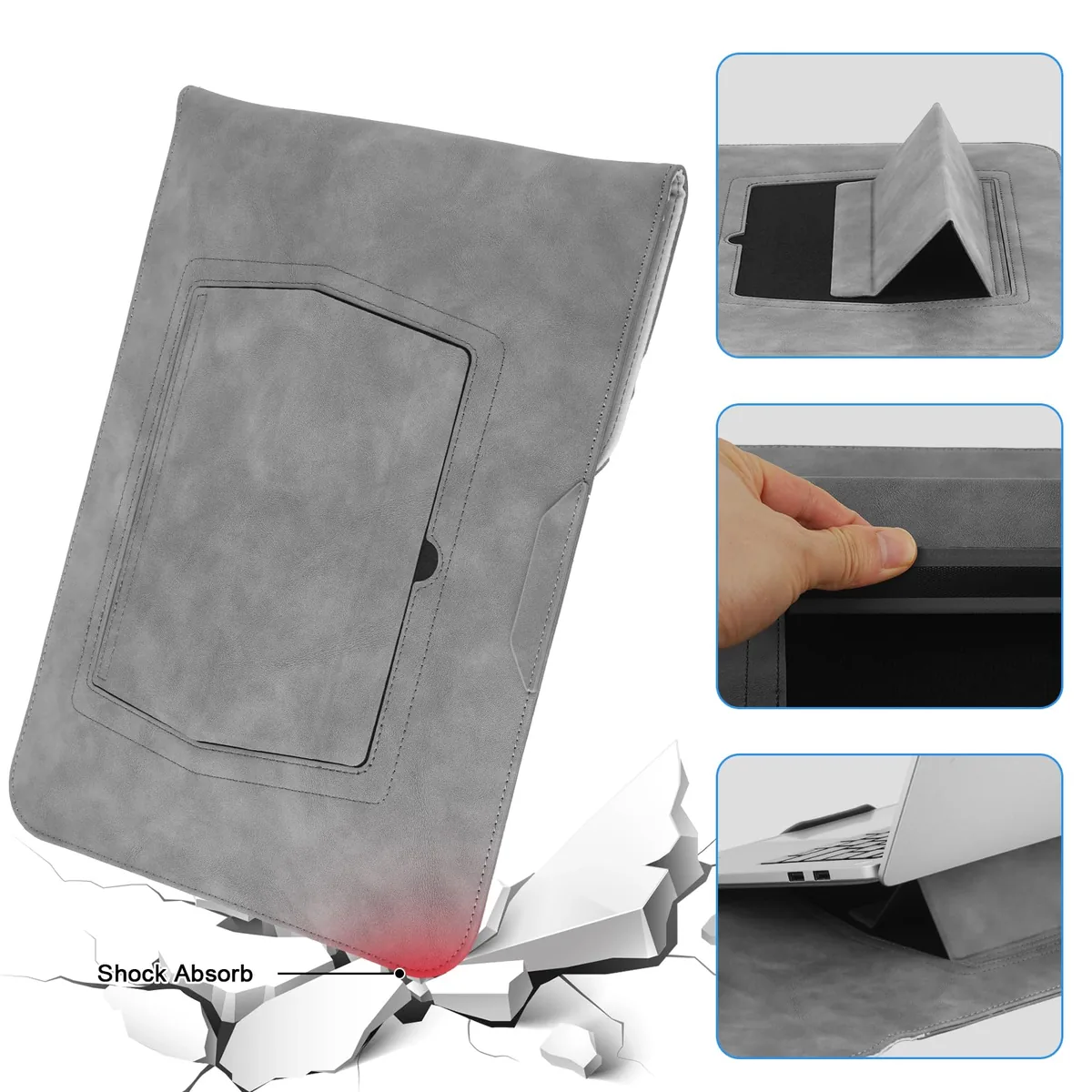
A 17.3-inch laptop sleeve with a stand is best for large-screen laptops that need protection in transit and an adjustable working surface at the destination. This model combines a PU-leather sleeve, soft suede lining, Velcro support, hidden magnetic closure, and an integrated mouse surface. Screen size alone does not confirm fit, so check the laptop chassis dimensions against a physical sample.
Who This 17.3-Inch Stand Sleeve Is For
This design suits people who carry a portable workstation and need a flat case, a raised work surface, and room for a mouse. Typical uses include:
- Mobile workstation users: engineers, designers, and consultants who work from offices, hotels, client sites, and shared desks.
- Desktop-replacement laptops: users who prefer a larger display but still need a protective case for regular travel.
- B2B gifting and retail: brands and distributors looking for a leather laptop sleeve with a more specialized function than a plain envelope case.
It is less suitable for buyers who need a thin, compact commute sleeve, a rigid hard shell, or drop protection without a working-stand function. The extra structure suits a laptop that moves between locations and is used on a temporary desk.
How the Stand, Velcro Support, and Magnetic Closure Work
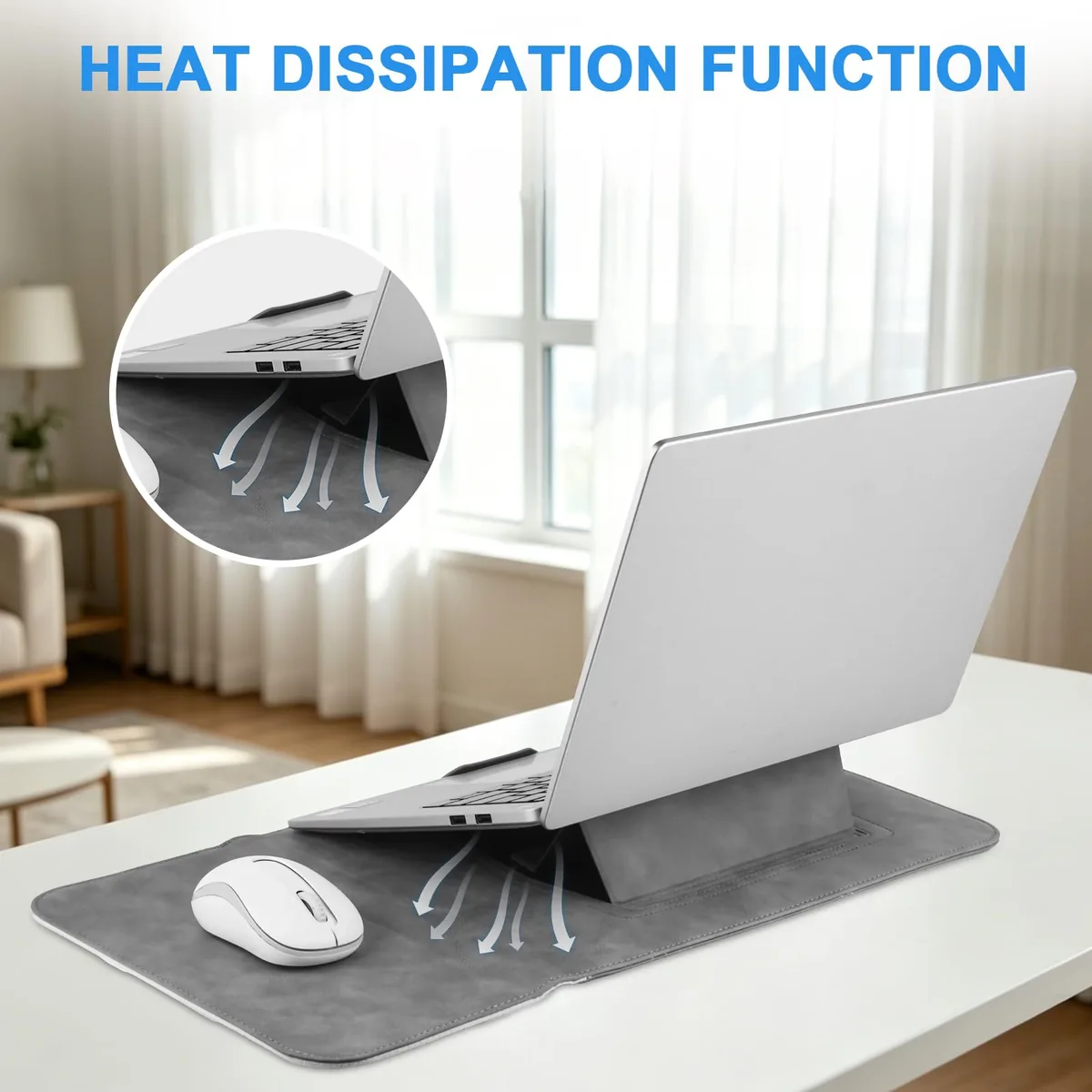
The sleeve opens like a folder. The front panel folds into an inclined support, while the adjustable Velcro strip changes the support height. This lets the same structure serve as a viewing stand or a more upright typing platform.
The hidden magnetic closure keeps the flap aligned during carrying and helps the cover open without a visible clasp. Exact magnetic retention, flap alignment, and usable support positions depend on the finished construction. Confirm them with the intended laptop on a sample.
A large laptop adds leverage. The support must resist side-to-side movement, the Velcro must hold under normal working pressure, and the lower edge must stay secure when the device is opened or adjusted. A multi-position stand is useful only when each tested position feels stable with the actual device.
The fold-out front section also creates a mouse surface for casual work. It is useful when a separate mouse pad would otherwise take up limited desk or hotel-room space. For precision work, a dedicated mouse pad may still be preferable.
How to Confirm a 17.3-Inch Laptop Fit
Measure the laptop itself rather than relying on its advertised screen size. Record its width, depth, and closed thickness. If the laptop already has a snap-on shell or skin, include that full stack in the measurement.
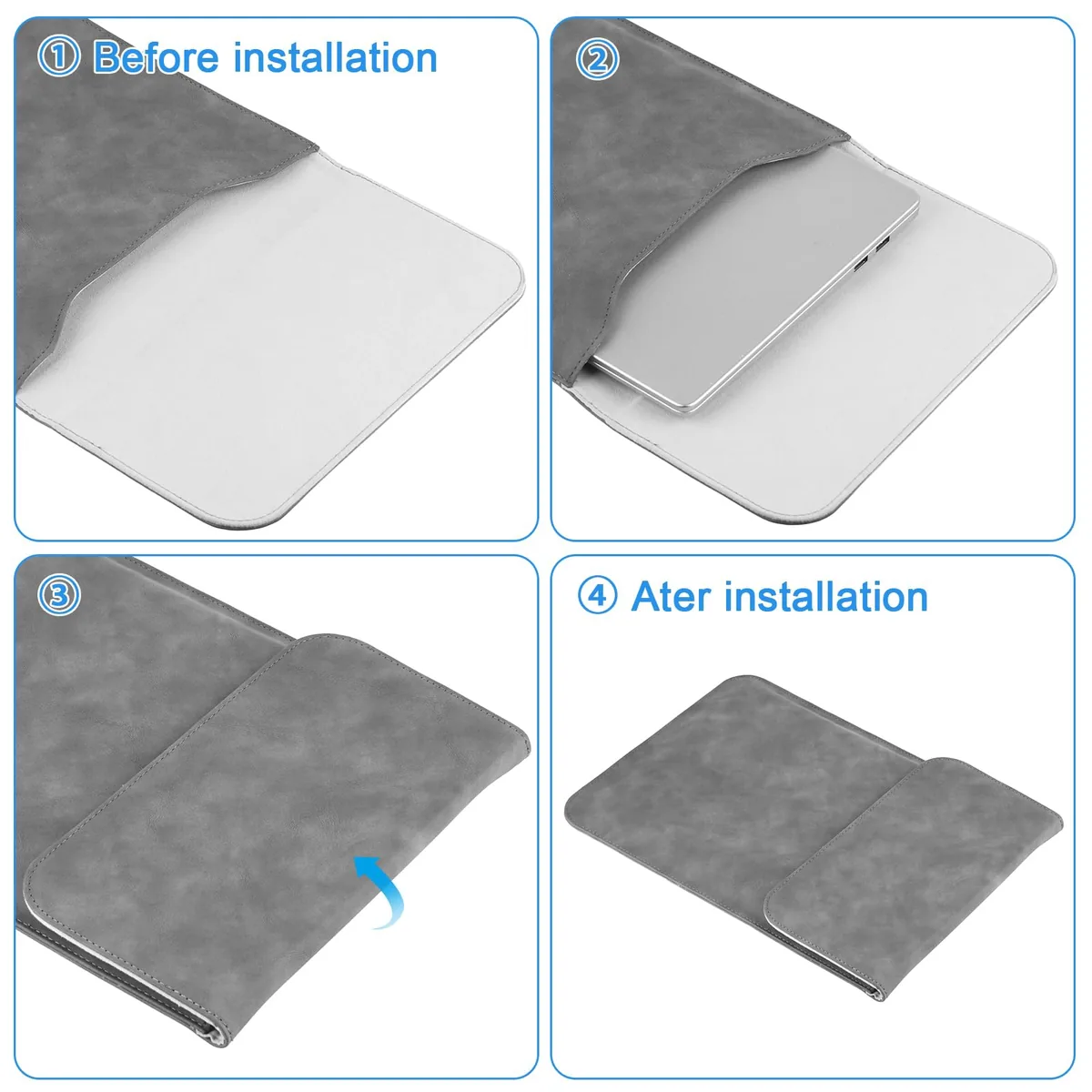
Then compare those figures with the finished internal cavity, corner clearance, and opening height. Check that the sleeve can be loaded without forcing the corners and that the flap closes without pressing on the lid or ports. A case can accept a laptop at the opening but still feel tight across the body.
The listed external size for this product is 44 × 30.8 cm. That number describes the outside of the finished sleeve, not the space available inside it. Review the laptop sleeve size and fit guide for a consistent measuring method, then confirm the exact cavity on a sample.
This sleeve is intended for selected 17–17.3-inch laptops, not every device in that screen class. Send the exact laptop model and chassis measurements with the inquiry when fit is close to the limit.
Custom Laptop Sleeve Options for Brands and Buyers
Pellove supports OEM/ODM development for branded laptop sleeve projects. Begin with the target laptop, working environment, logo artwork, packaging direction, and estimated order quantity so the right construction can be quoted.
| Component | Options to discuss |
|---|---|
| Material and lining | Durable PU leather with soft suede lining; other material directions can be evaluated during development. |
| Color | Grey as shown, with custom colors available for production projects. |
| Logo | Debossing, embossing, foil stamping, silk print, or a metal logo. |
| Closure | Hidden magnetic closure, with placement and retention confirmed on the sample. |
| Stand and surface | Adjustable Velcro support with multiple positions and an integrated mouse surface. |
| Packaging | OPP bag, pouch, paper box, gift box, thank-you card, microfiber cloth, or custom packaging. |
| MOQ | Depends on material, size, logo, packaging, and order quantity. |
For development steps, material choices, and sampling decisions, see the custom leather laptop sleeve development guide.
What to Check in the Physical Sample
Test a sample with the actual laptop before approving bulk production. Put the device in the sleeve, fold the stand into every proposed position, and use it at each angle you expect customers to use.
- Check front-to-back and side-to-side stability at every supported angle.
- Open and close the Velcro adjustment several times and inspect the stitched attachment points.
- Confirm that the magnets align, hold the flap securely, and stay clear of the laptop and ports.
- Load and remove the large laptop without catching the lining or forcing the reinforced corners.
- Test the mouse surface with the intended mouse on common desk and table surfaces.
- Inspect the lining, edge stitching, fold lines, and overall finish after repeated opening and folding.
Record any changes in fit, support angle, magnetic position, material, or packaging before the production sample is approved. This is especially important for custom-fit large laptop sleeves, where small construction changes can alter both clearance and stand balance.
Compare the 14-Inch and 17.3-Inch Options
For a smaller laptop, compare the 14-inch laptop sleeve with an adjustable stand. Screen size is only a starting point for either model; confirm the laptop chassis, internal cavity, opening clearance, and physical sample before ordering.